 Arch Studios
Take the studio home.
Arch Creator for macOS (Apple Silicon) and Windows. Arch Player for Android. Pay once; keep it. No account, no cloud, no middleman.
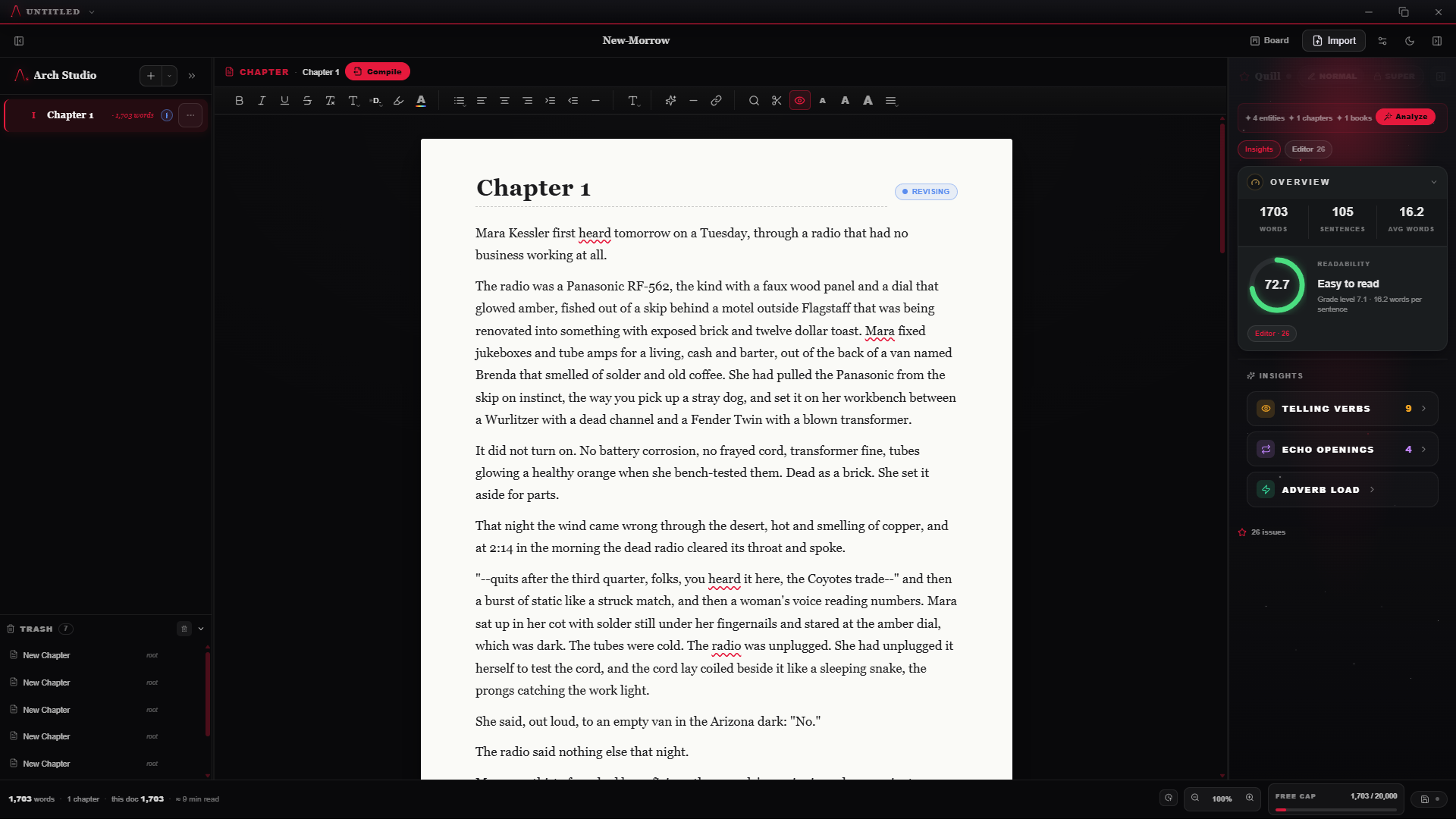
Arch Creator.
Visual worldbuilding for writers. Currency you can mint, characters with dossiers, lore that reads like lore, items, maps, one local-first workshop.
Arch Player.
Liquid glass. True-black AMOLED. Word-timed lyrics. Your own library, no account. The music player that stays on your phone.

Quill is an add-on.
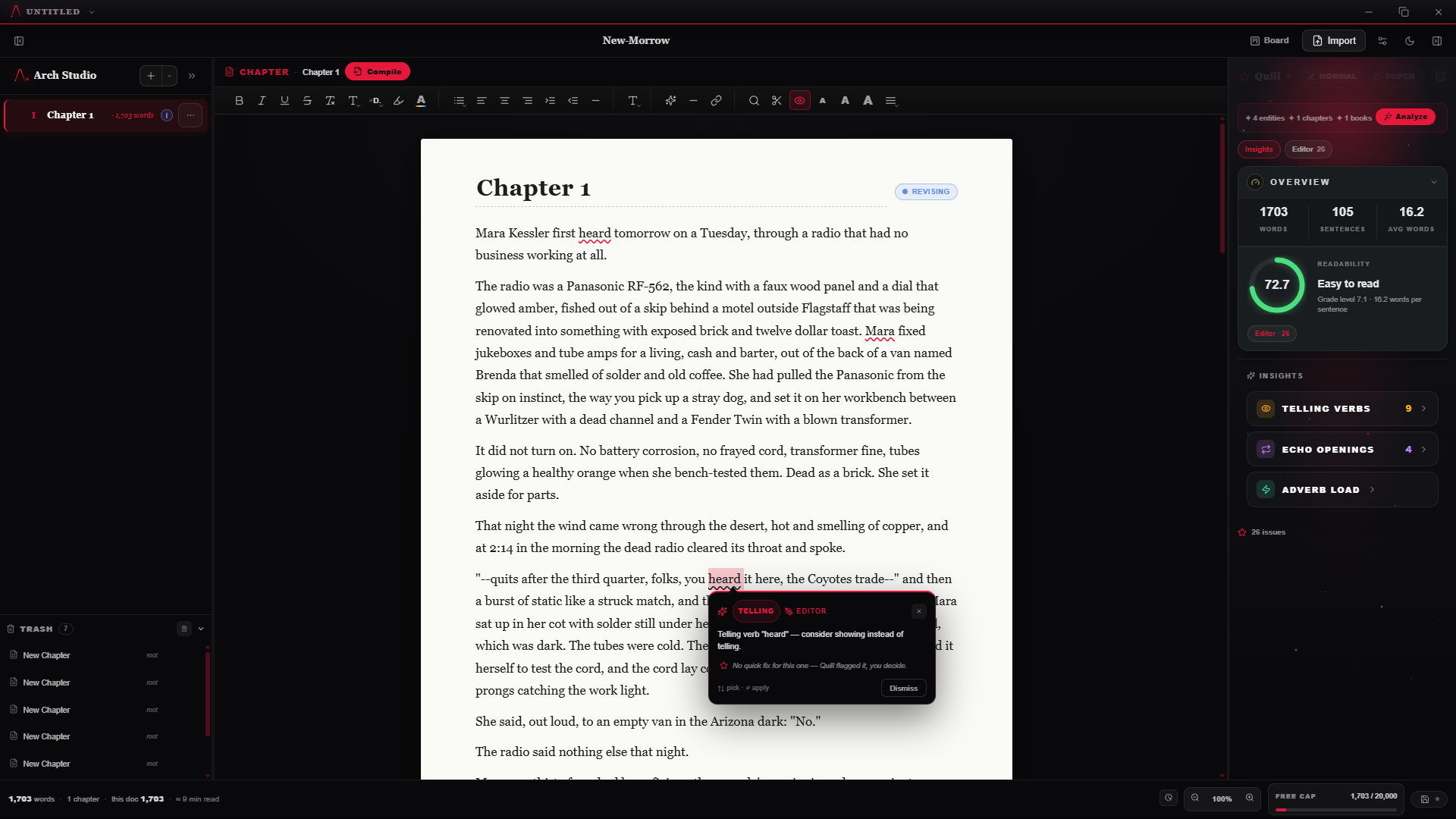
Seven hats that read the draft against the world: editor, continuity, story, narrative, analyst, fight, lore. It lives inside Creator; no separate download.
Works with Free or Keystone. It reads the same world Creator already knows.
Questions.
Which platforms?
Arch Creator runs on macOS (Apple Silicon) and Windows. Arch Player is Android. Those are the builds we ship right now.
Why does macOS warn me?
The build is unsigned and not notarized by Apple yet. The warning is macOS being cautious, not a virus report. The install note is the safe path.
Can I run Creator on Linux?
No. Creator is macOS (Apple Silicon) and Windows only right now.
Can I run Creator on an Intel Mac?
No Intel build right now; the macOS download is Apple Silicon (aarch64).
Is Quill a separate download?
No. Quill is an add-on inside Creator. Add it to Free or Keystone and it reads the same world.
Is Player free?
Yes. Arch Player is free, GPL-3.0, and local-first. Download it, keep it, share it.